Automatic API References
Extracts endpoints, parameters, and response schemas from the codebase automatically.
DocMind | BGTS
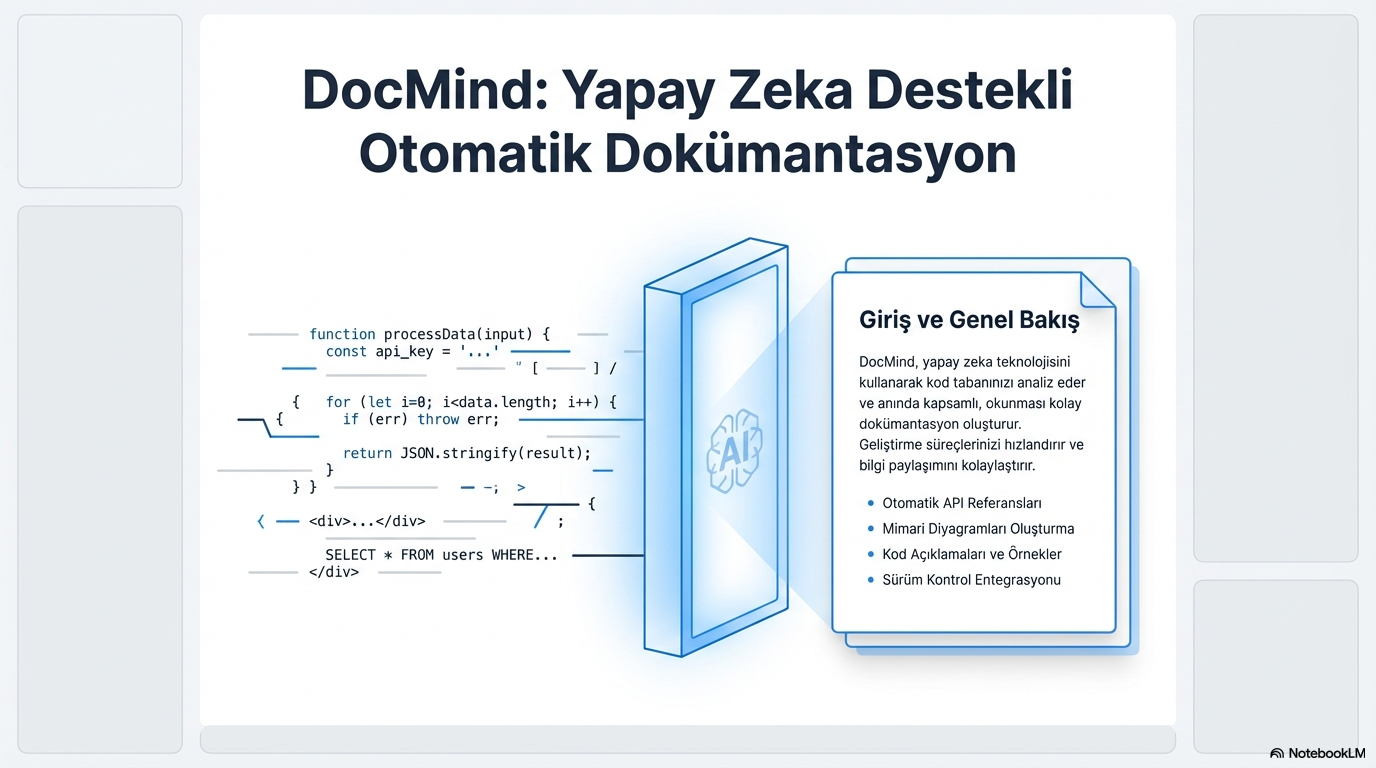
It speeds up your development processes and facilitates knowledge sharing. Your smart tool that generates AI-supported documentation by directly referencing the code repository.
DocMind analyzes your codebase using AI technology and instantly creates comprehensive, easy-to-read documentation.
Extracts endpoints, parameters, and response schemas from the codebase automatically.
Documents system design and technology stack visually.
Explains usage scenarios and code flow with clear examples.
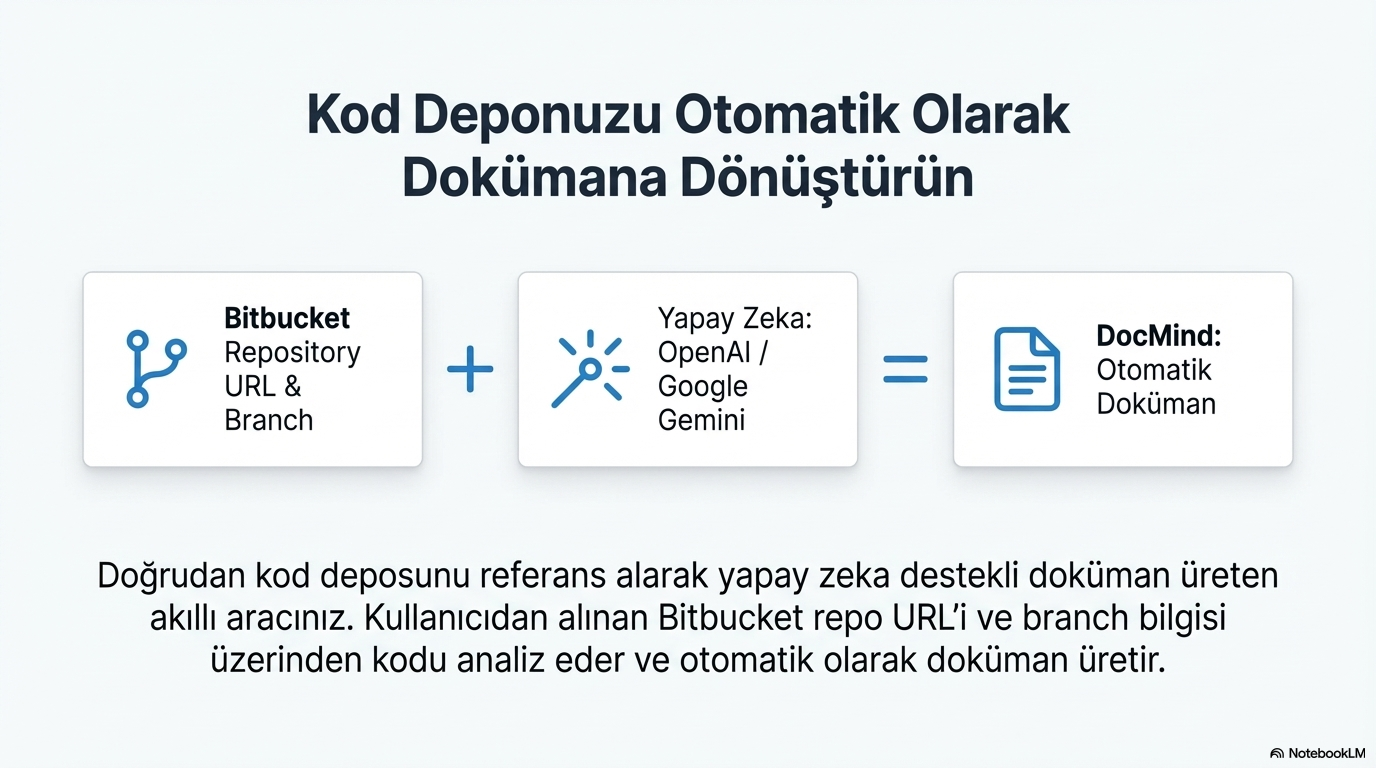
Direct access to code via Bitbucket repo URL and branch information.
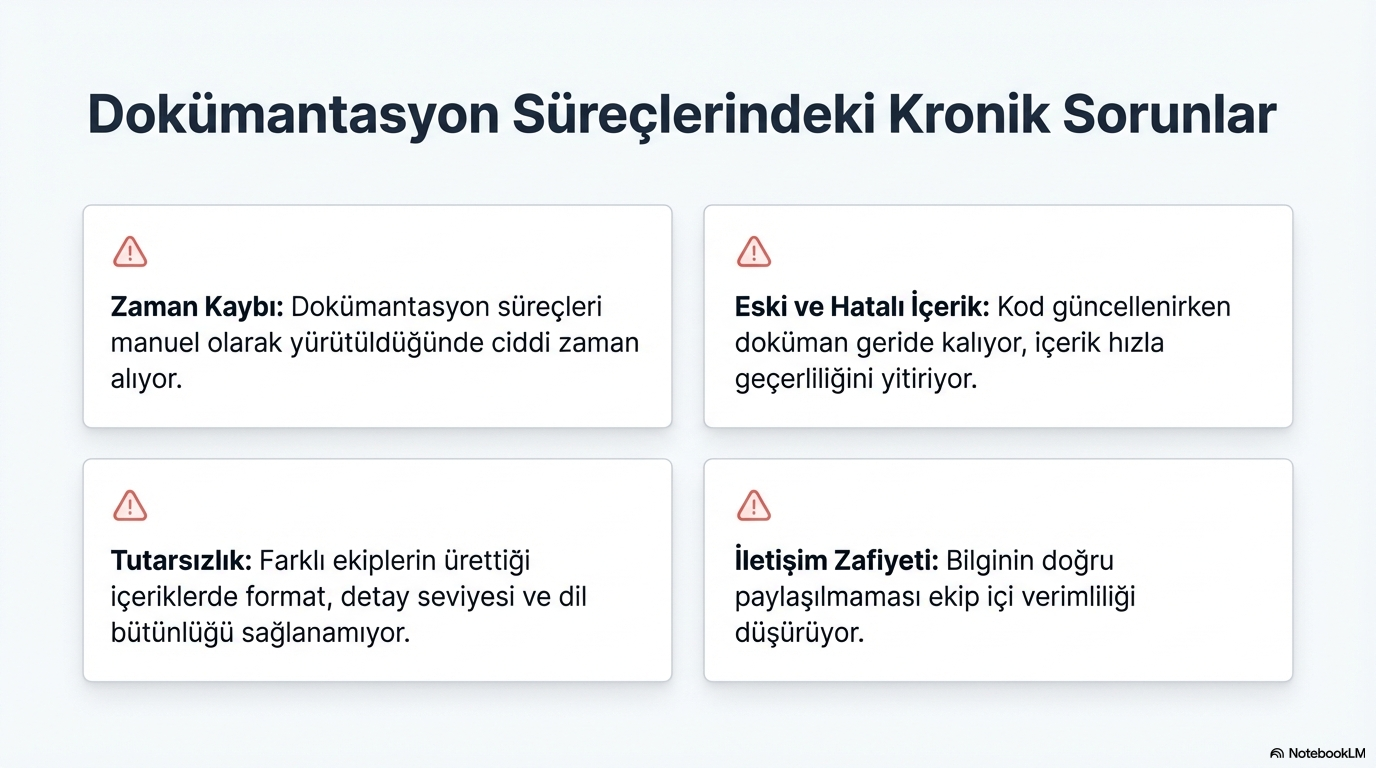
Manual documentation processes are a major productivity drain for teams. Documents lag behind code updates; different teams produce inconsistent content.
Documentation processes take significant time when carried out manually.
While code is being updated, the document lags behind and content quickly loses its validity.
Format, level of detail, and linguistic integrity cannot be ensured in content produced by different teams.
Failure to share information correctly reduces intra-team efficiency.
Analyzes code via the Bitbucket repo URL and branch information received from the user; generates documentation with OpenAI or Google Gemini.
Direct access to code via repository URL and branch.
OpenAI / Google Gemini model selection.
Code analysis, section selection, and live preview — central documentation engine.
Real-time Markdown output; table of contents and sections appear instantly.
Export the generated document as PDF.
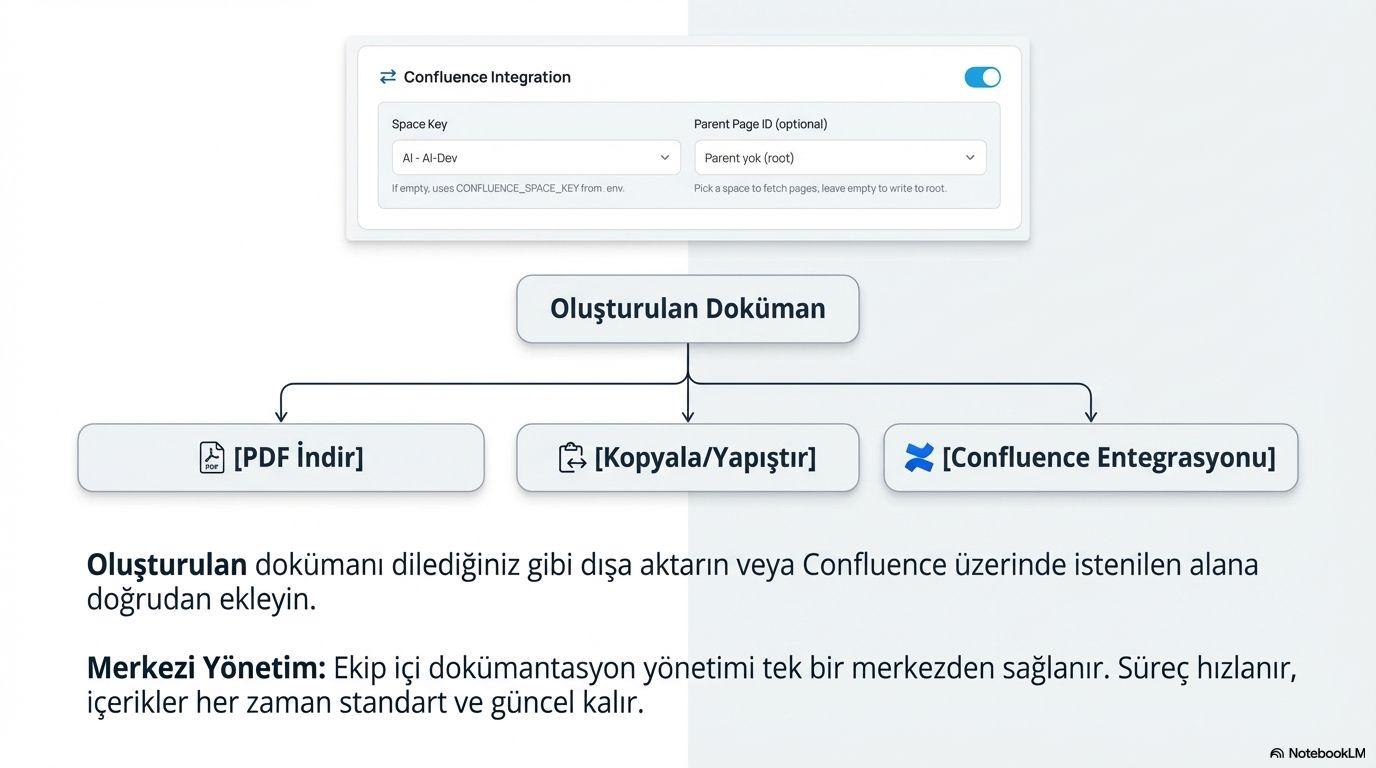
Publish directly to Confluence with space key and parent page.
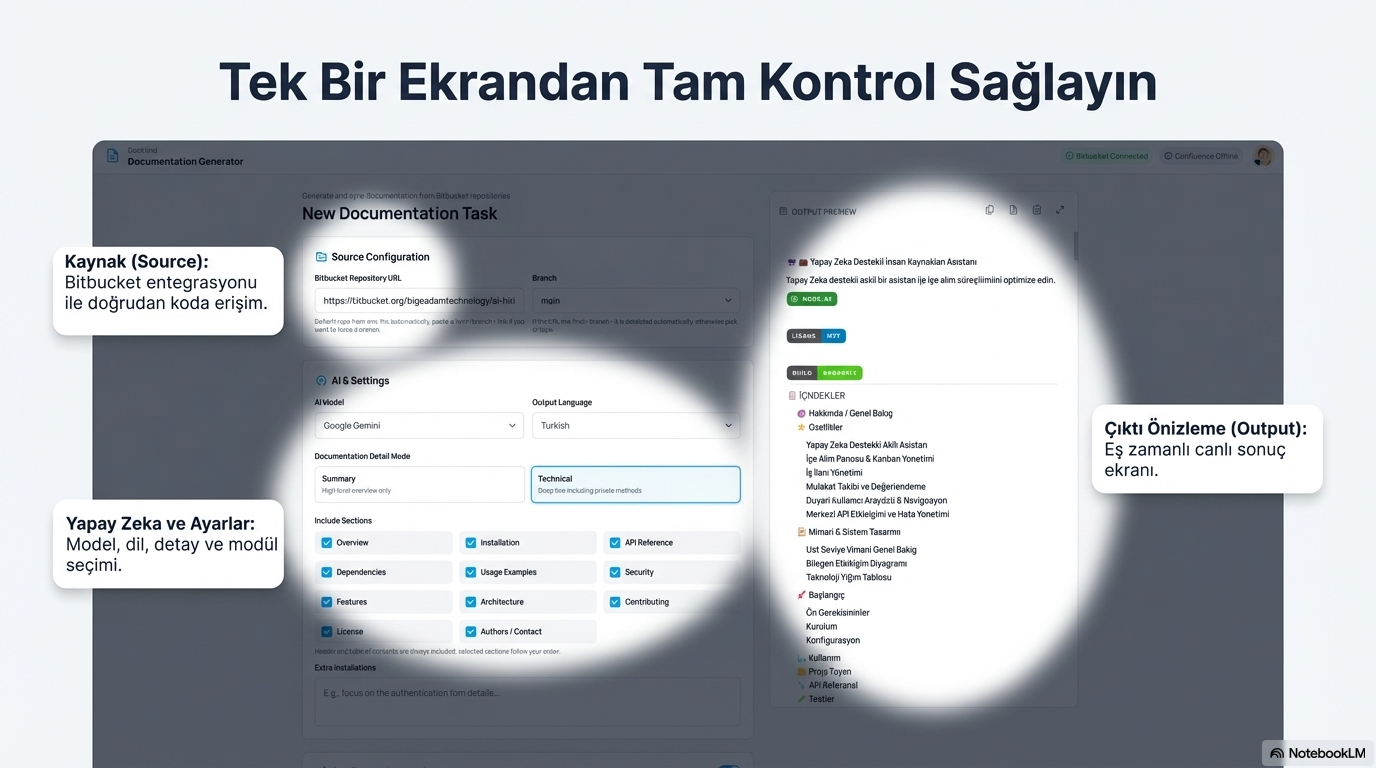
Source configuration, AI settings, and live output preview — all in one interface.
Direct access to code via repository URL and branch selection; connection status visible at a glance.
Choose between OpenAI or Google Gemini; pick the model that fits your project.
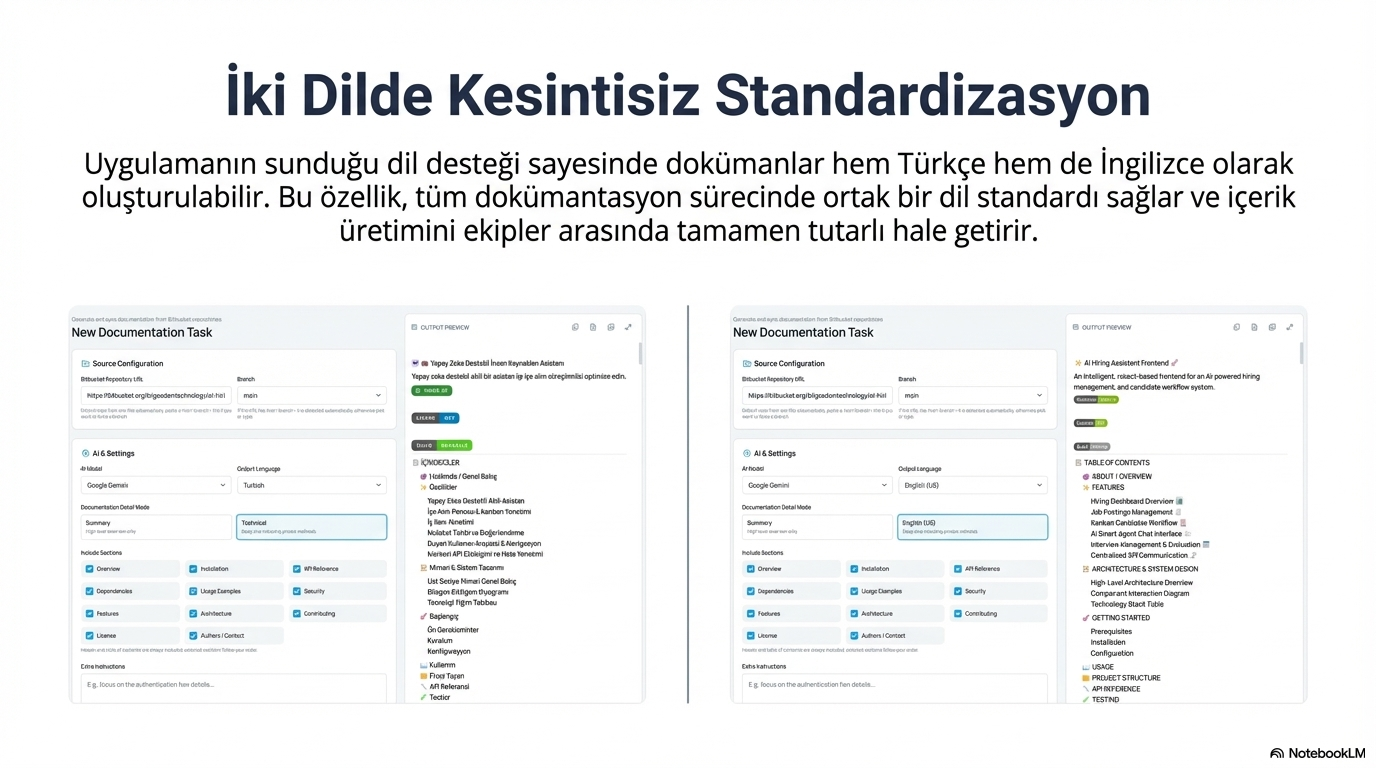
Documents can be created in both Turkish and English; a common language standard across teams.
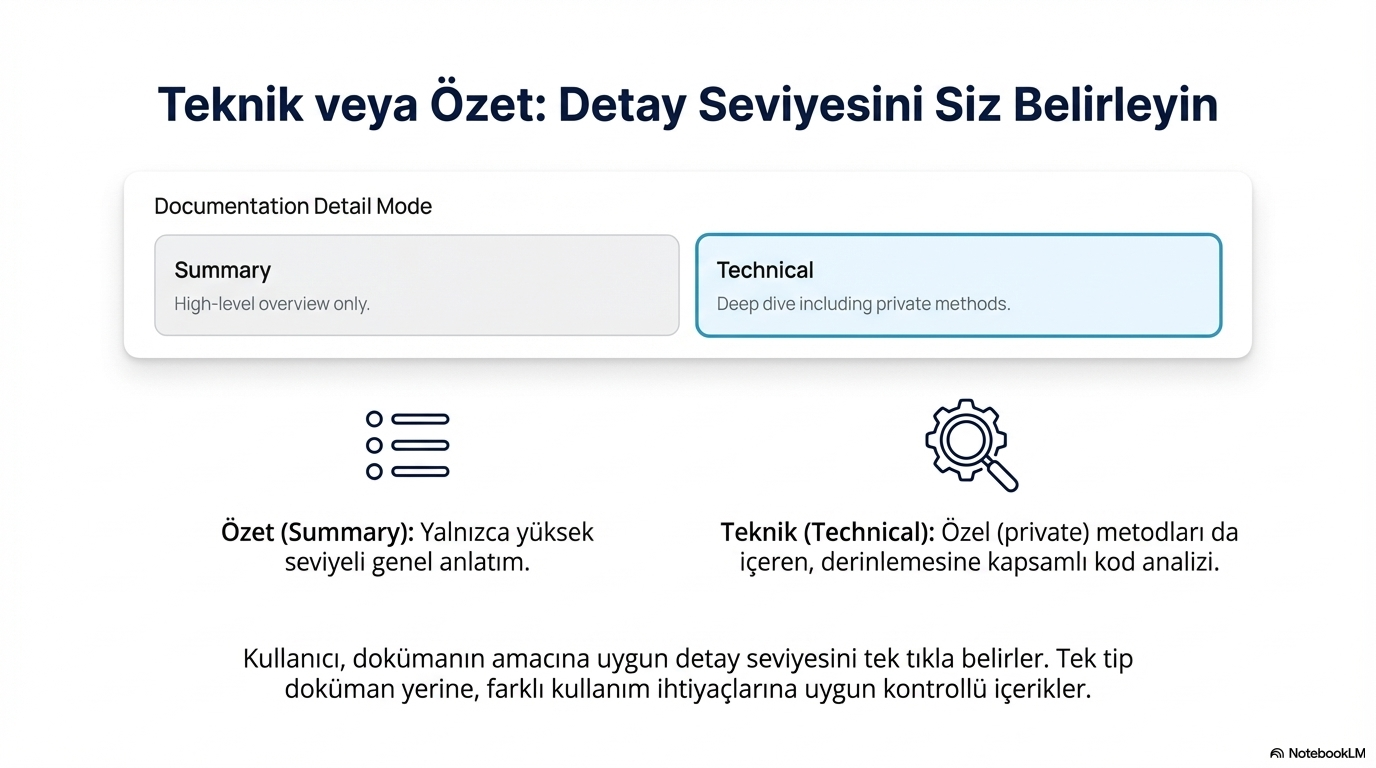
High-level overview only, or deep-dive comprehensive code analysis including private methods.
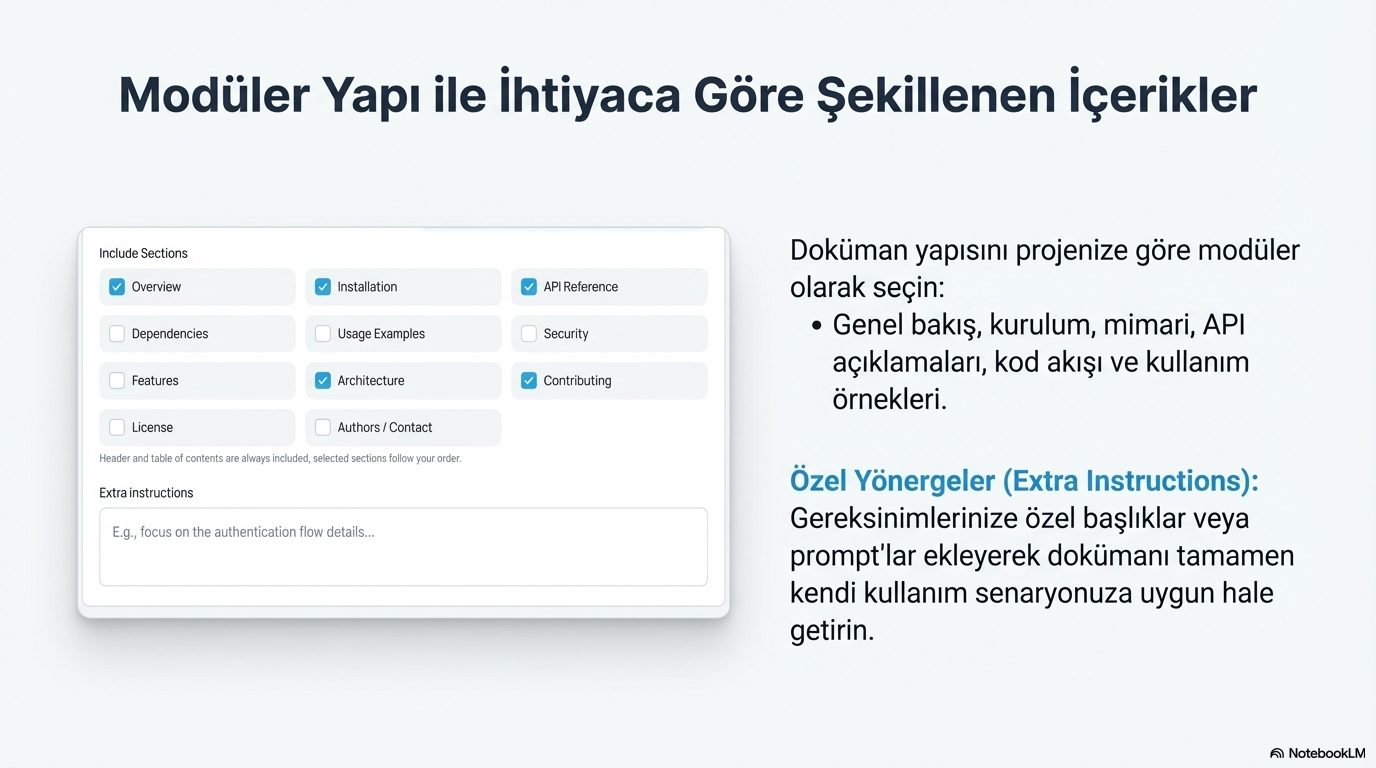
Pick overview, installation, architecture, API reference, usage examples, and more as needed.
Add titles or prompts specific to your requirements to tailor the document to your use case.
Markdown document displayed in real time during generation; table of contents created automatically.
Download the generated document as PDF, copy to clipboard, or publish directly to Confluence.
Source (Bitbucket), AI & Settings, and Output Preview — three areas unified in one panel.
Thanks to language support, documents can be created in both Turkish and English; content production stays fully consistent across teams.
Determine the detail level suitable for the document purpose with a single click; controlled content for different usage needs.
Choose the document structure modularly: overview, installation, architecture, API descriptions, code flow, and usage examples.
Export the created document as you wish or add it directly to the desired area on Confluence.
Centralized Management: In-team documentation management from a single center. The process speeds up, and content always remains standard and up-to-date.
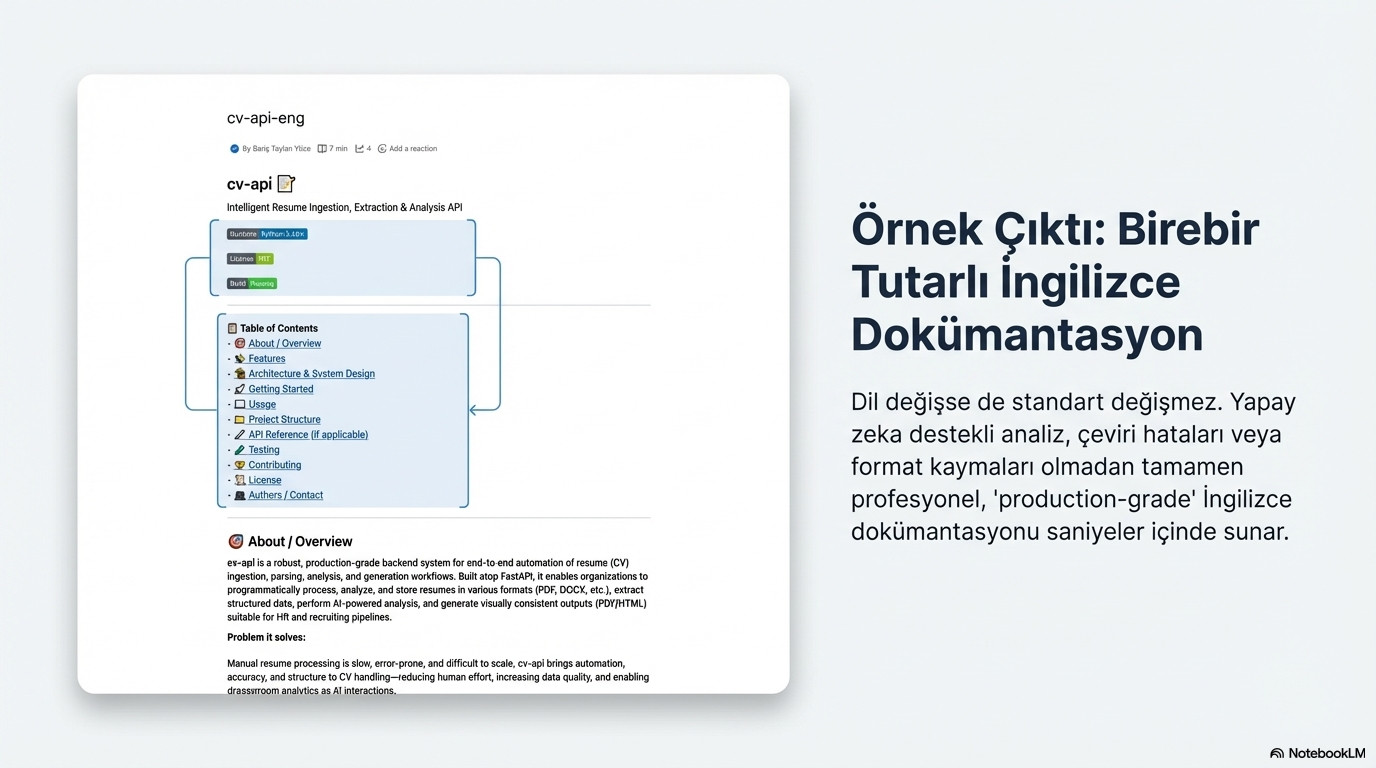
Production-grade documentation with automatic table of contents, clear headings, and architecture & system design sections.
Even if the language changes, the standard does not. AI-powered analysis delivers completely professional, production-grade English documentation in seconds — without translation errors or format shifts.